TABLE OF CONTENTS
- Choose a plan
- Start your free trial
- Buy your Vinpoint Plan
- Start using Vinpoint (Desktop)
- Download the Vinpoint Mobile App
Choose a plan
To begin the process of signing up with Vinpoint, please visit the following link:
This plan selection page allows you to compare Vinpoint's pricing tiers and choose the plan that best fits your dealership's needs.
Click Start trial to try all the starter plan features free for 30 days. If you're ready to subscribe, click Buy this plan to purchase the Starter or Professional plan directly.
To chat with our sales team about Enterprise custom solutions click Contact Us. Enter your information in the Contact Sales form, select the products you’re interested in, and click Send Request.
Start your free trial
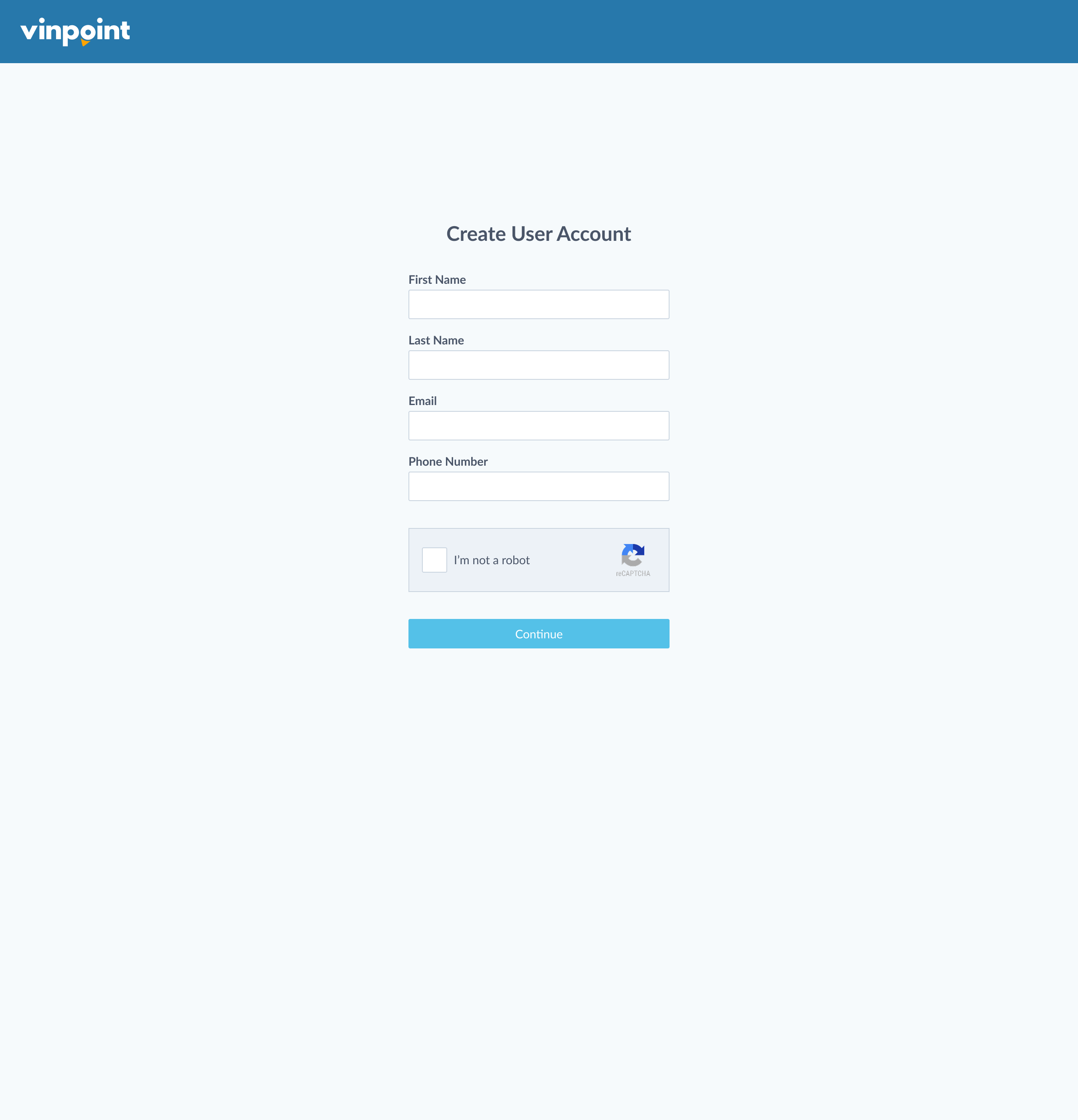
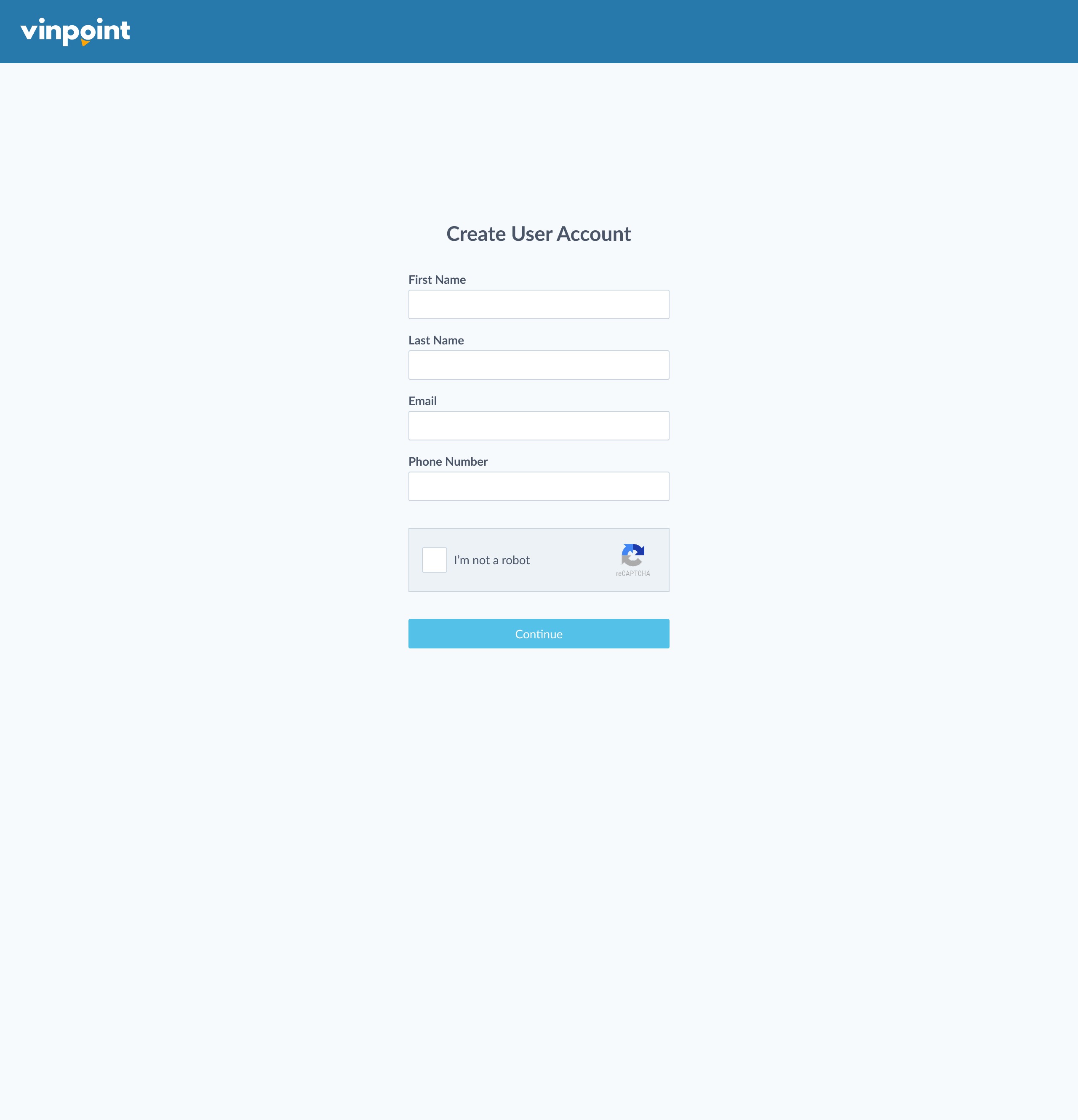
After clicking Start trial you will be prompted to create your user account. Enter your first name, last name, email, and phone number then click Continue.
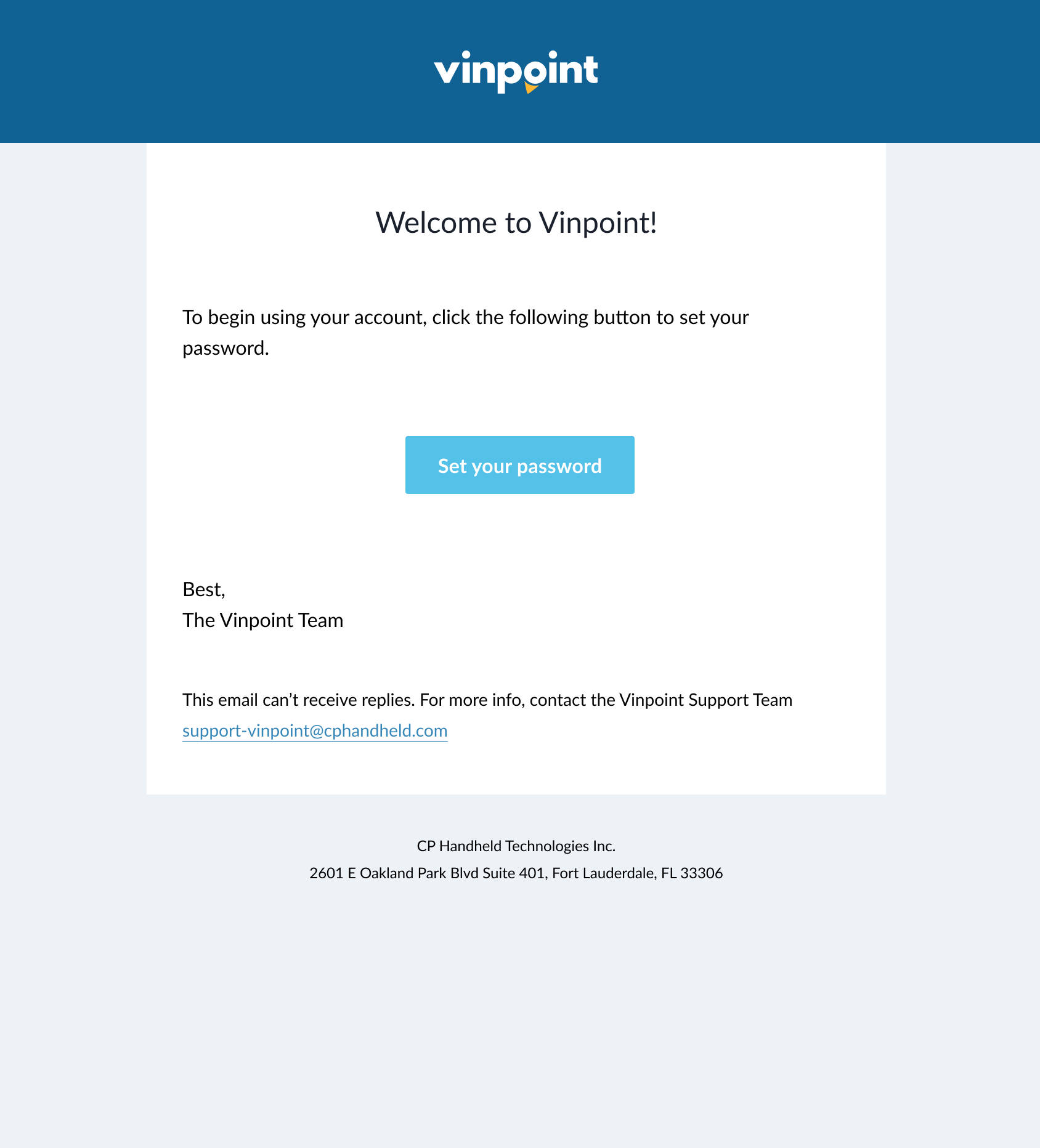
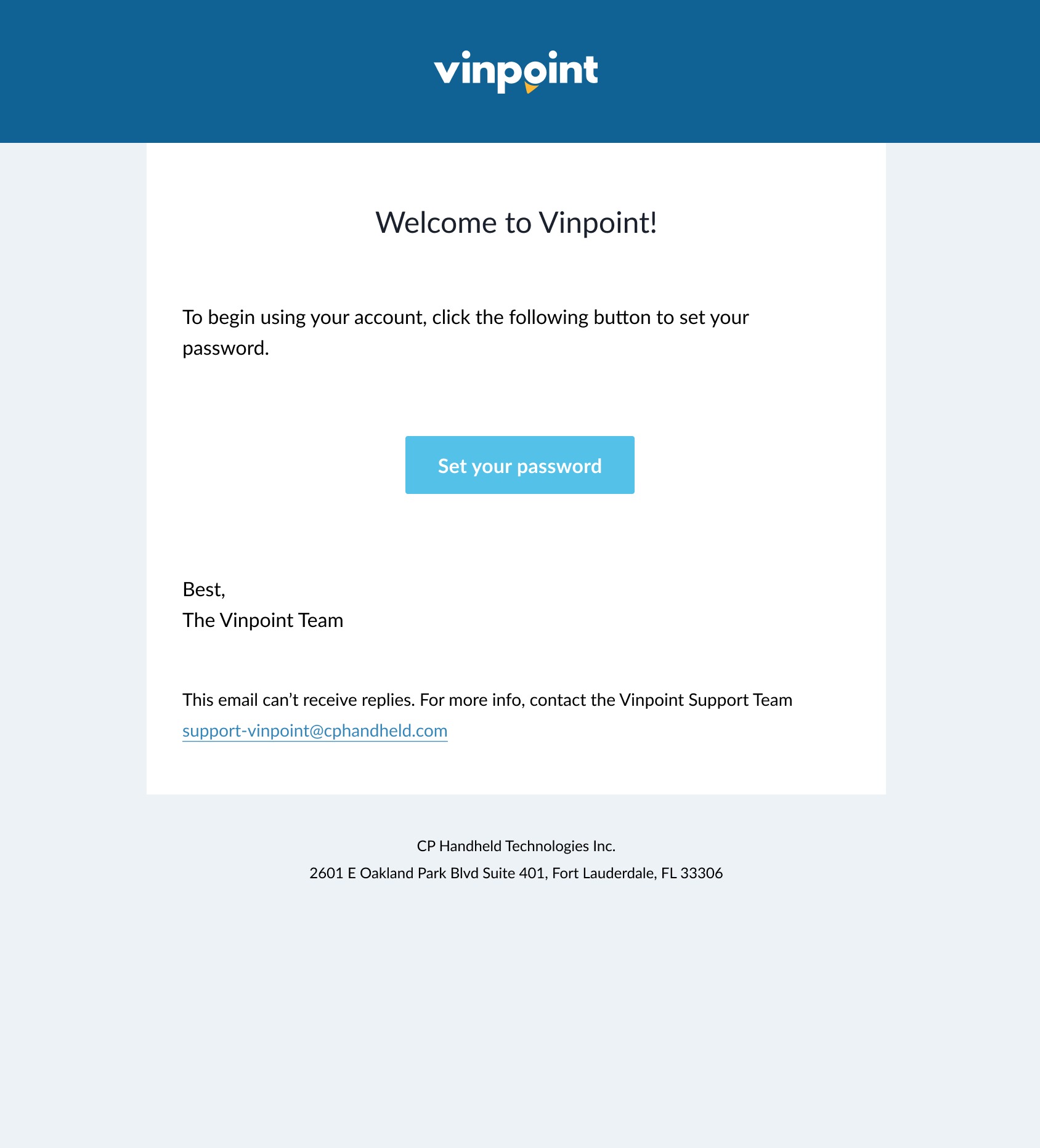
Locate your "Welcome to Vinpoint" email and click Set your password.
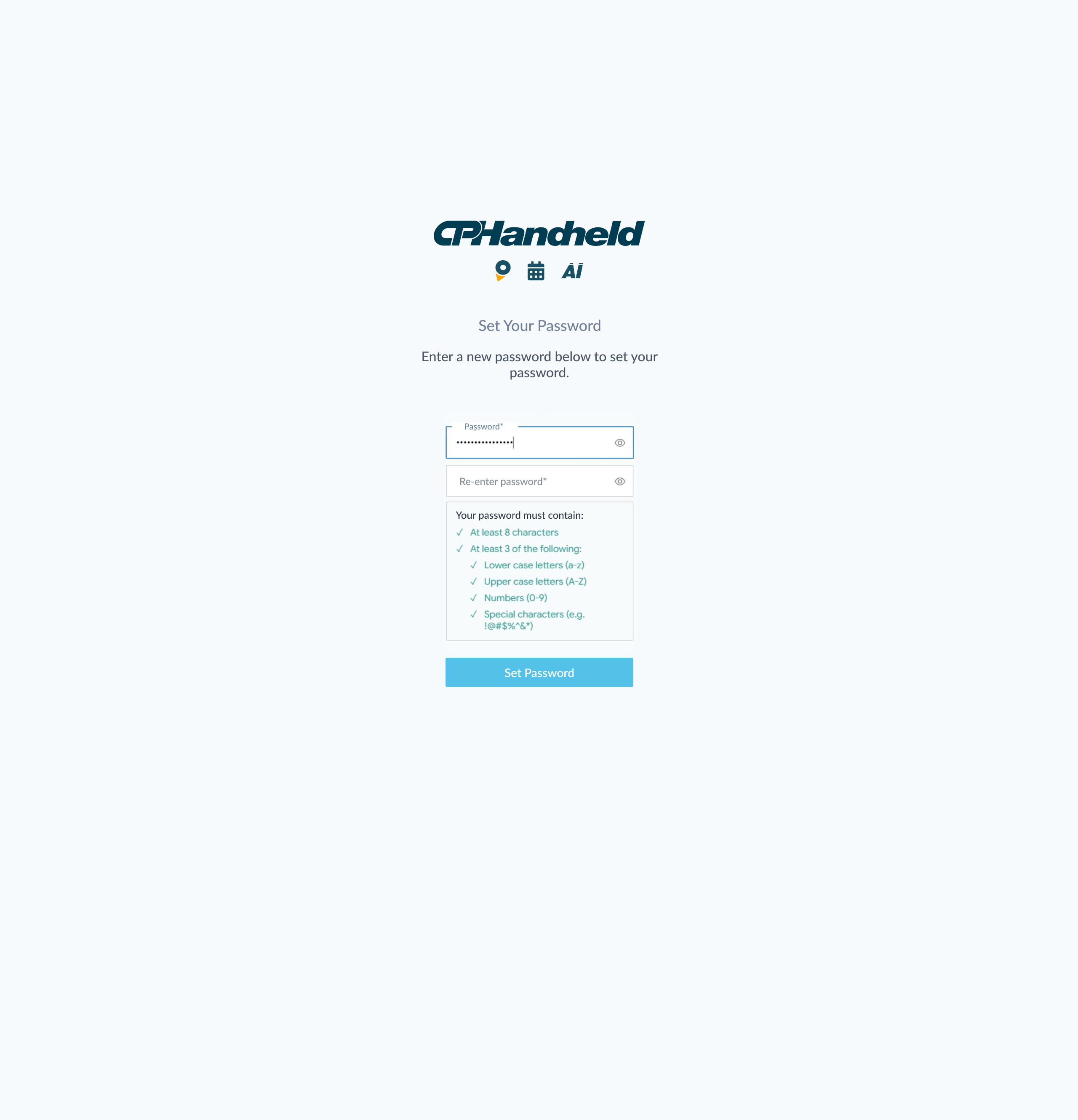
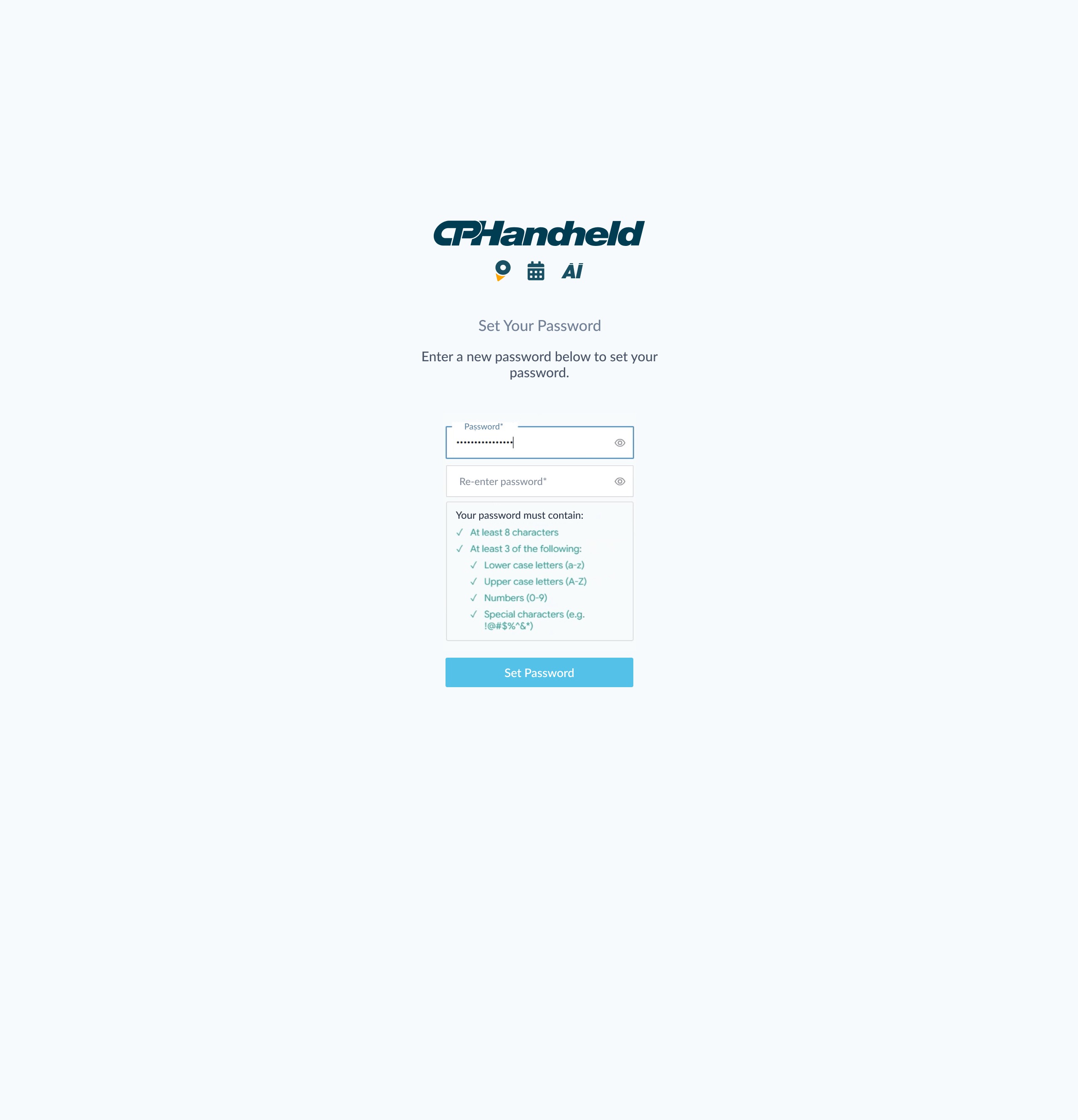
Next, create your password by entering it in both the "Password" and "Re-enter password" fields, ensuring it meets the requirements, then click Set Password.
Once your password has been set successfully, click Back to Vinpoint.
Now that your user account has been set up, you'll have to log in order to finish onboarding. Enter your email and click Log In. Then enter your password and click Log In.
Now it's time to set up your organization. Enter the information and click Continue.
Next you'll be able to create your first dealership. Enter the information and click Continue.
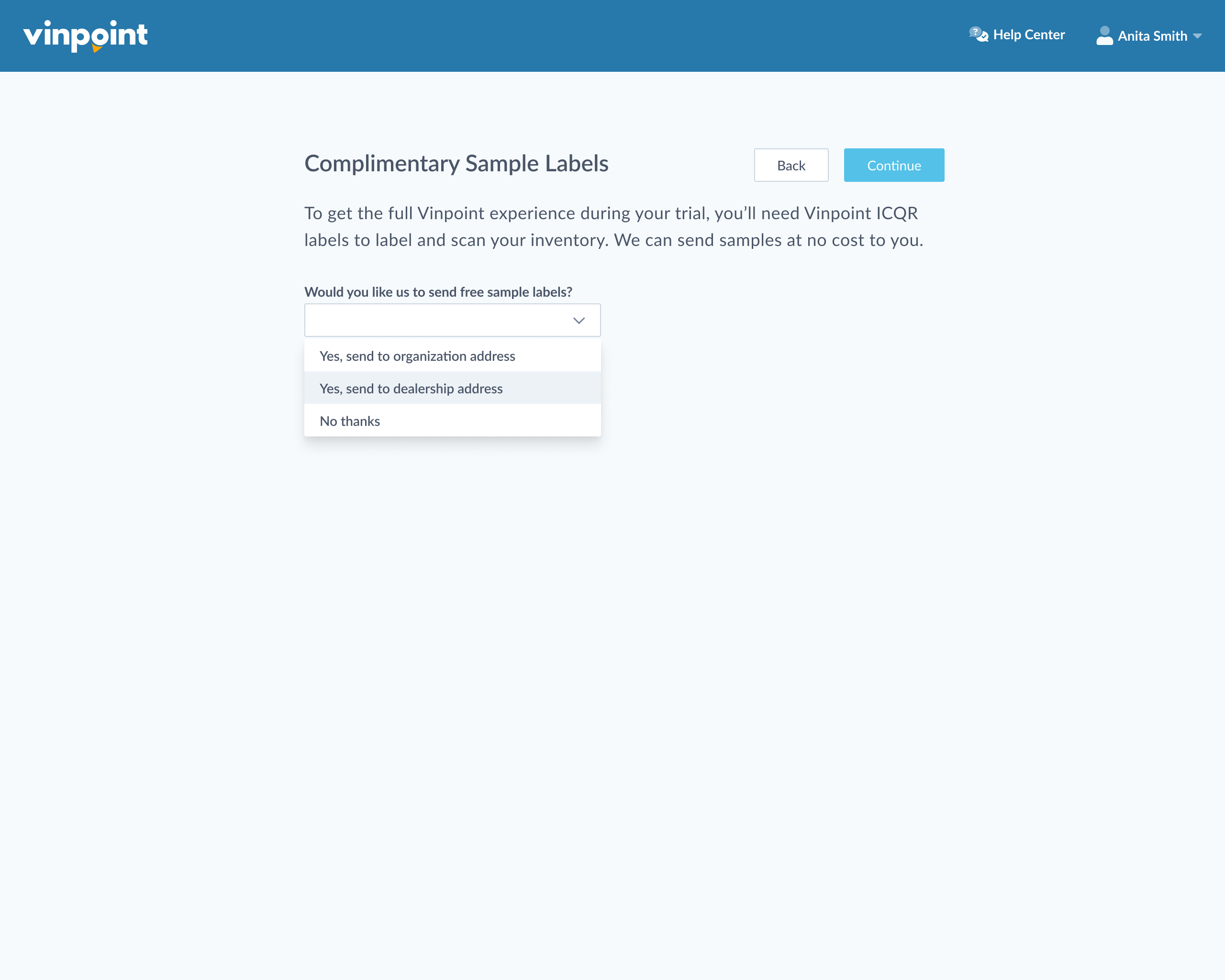
In order to get the most out of your free trial, we'd like to send you some Vinpoint ICQR labels so you can label and scan your inventory. If you'd like us to send you free labels, select "Yes, send to organization address," or "Yes, send to dealership address" and click Continue. You will receive an email confirmation that we're sending you ICQR sample labels.
Now your organization setup is complete and you can begin using Vinpoint and download the Vinpoint Mobile App.
Buy your Vinpoint Plan
If you're ready to subscribe, click Buy this plan to purchase the Starter or Professional plan directly.
Next, you will be prompted to create your user account. Enter your first name, last name, email, and phone number then click Continue.
Locate your "Welcome to Vinpoint" email and click Set your password.
Next, create your password by entering it in both the "Password" and "Re-enter password" fields, ensuring it meets the requirements, then click Set Password to complete your account setup.
Once your password has been set successfully, click Back to Vinpoint.
Now that your user account has been set up, you'll have to log in order to finish onboarding. Enter your email and click Log In. Then enter your password and click Log In.
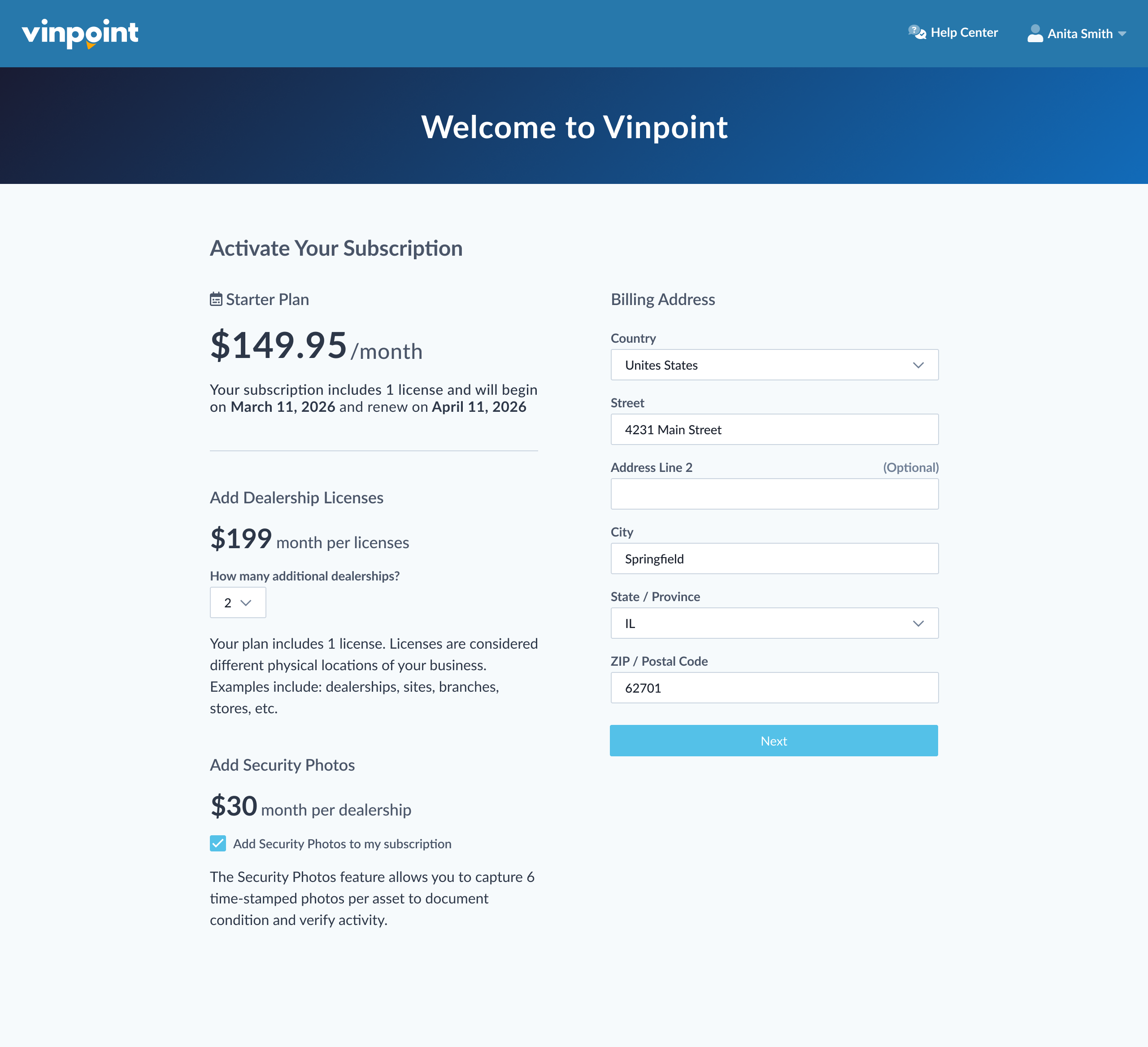
Once logged in, you'll arrive at the Activate Subscription screen. Here you will see the plan you have selected at the top along with the price per month, when it will begin, and the next renewal date.
You can optionally add dealership licenses at this point if you need more than are included in your plan. For each physical location (dealerships, sites, branches, stores, etc.) you will need an additional license to add them to your organization.
If you selected the Starter plan, you can add the Security Photos feature for an additional monthly fee. If you selected the Professional plan, this feature is already included.
Enter your billing information and click Next.
Select your payment method and enter the information. Review your payment summary and click Subscribe Now.
Now that you've subscribed, it's time to set up your organization. Enter the information and click Continue.
Next you'll be able to create your first dealership. Enter the information and click Continue.
Now your organization setup is complete and you can begin using Vinpoint and download the Vinpoint Mobile App.
Start using Vinpoint (Desktop)
(We recommend using the latest version of Google Chrome for best compatibility)
Once in Vinpoint, you'll see a welcome banner giving you a series of instructions to help you get started using Vinpoint. These steps include: Ordering Supplies, Importing Inventory, Inviting Users, and Managing Locations.
To learn more about using Vinpoint, please visit our Help Center for additional articles.
If you have questions about using Vinpoint or have trouble, please contact our friendly Sales or Support teams via Phone or Email.
If you are in a free trial, you can click Subscribe Now at anytime to select and purchase your Vinpoint plan.
Download the Vinpoint Mobile App
Go to the Apple App Store or Google Play Store on your mobile device and download the Vinpoint app. Once installed, sign in with your email and password and Start Scanning.
Was this article helpful?
That’s Great!
Thank you for your feedback
Sorry! We couldn't be helpful
Thank you for your feedback
Feedback sent
We appreciate your effort and will try to fix the article